Township America Mobile App Guide
Download and set up the Township America mobile app for Android and iOS. Search legal land descriptions, view PLSS grid maps, and get turn-by-turn navigation to quarter section locations in the field.
Township America's mobile app brings the core tools to your phone: look up legal land descriptions and addresses, plan a site visit, and navigate to any section or Texas abstract from the field.
Available platforms
Android
The Township America Android app is available on the Google Play Store. Download and use it with a mobile subscription.
iOS
The Township America iOS app is available on the Apple App Store. Download and use it with a mobile subscription.
Availability
The mobile app is included free on the Business plan. You can also subscribe to it standalone for $10/month, or add it to a Pro plan as the Pro + Mobile bundle for $25/month.
Get the app
Download the app from the Google Play Store or the Apple App Store.
Sign in
Open the app and sign in with your Township America account email. Your Business plan, mobile subscription, or Pro + Mobile bundle activates the app automatically.
Using the mobile app
The Township America mobile app offers a user-friendly interface for field work.
Search for locations
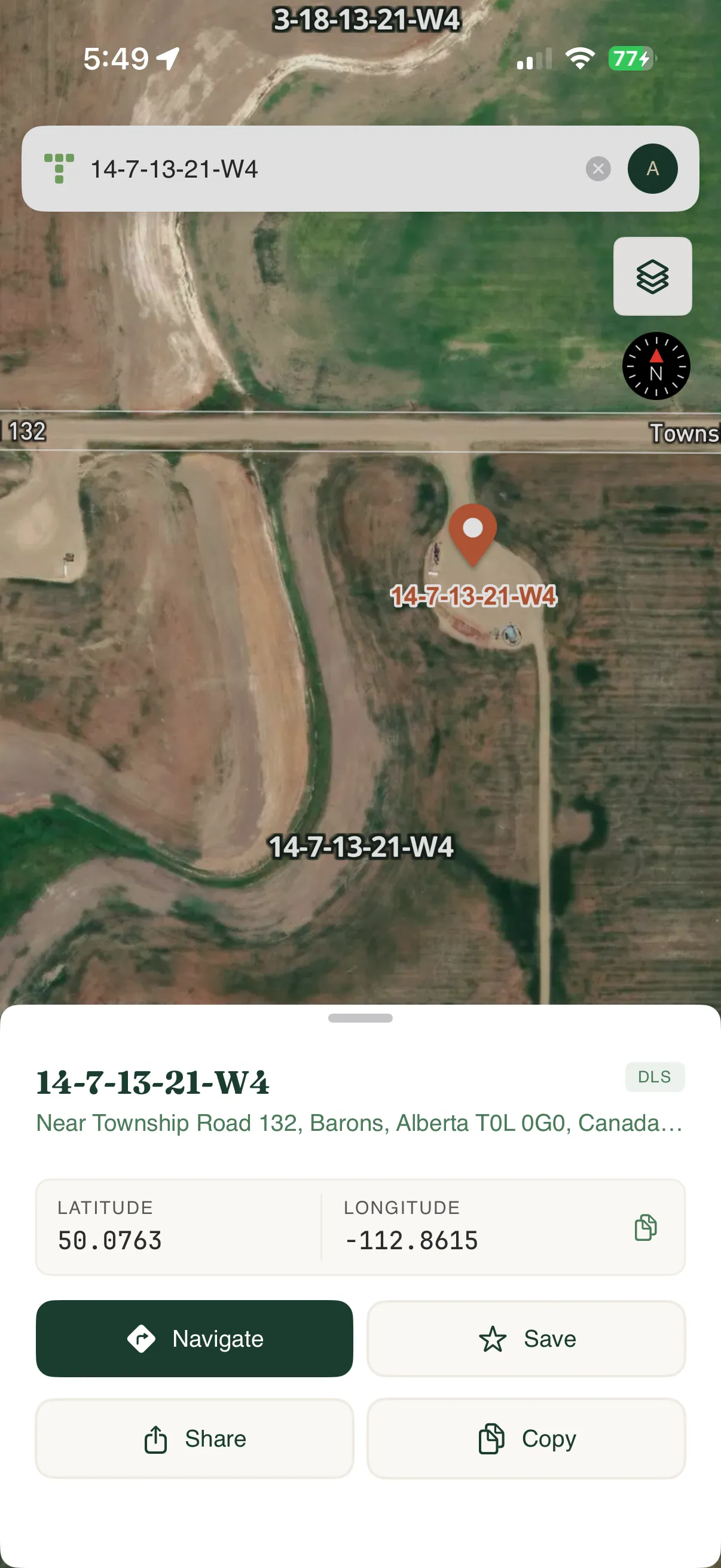
Use the search bar at the top of the screen to find legal land descriptions, addresses, points of interest, or GPS coordinates. The app displays relevant results as you type. You can also tap anywhere on the map to get information about that location.
View maps
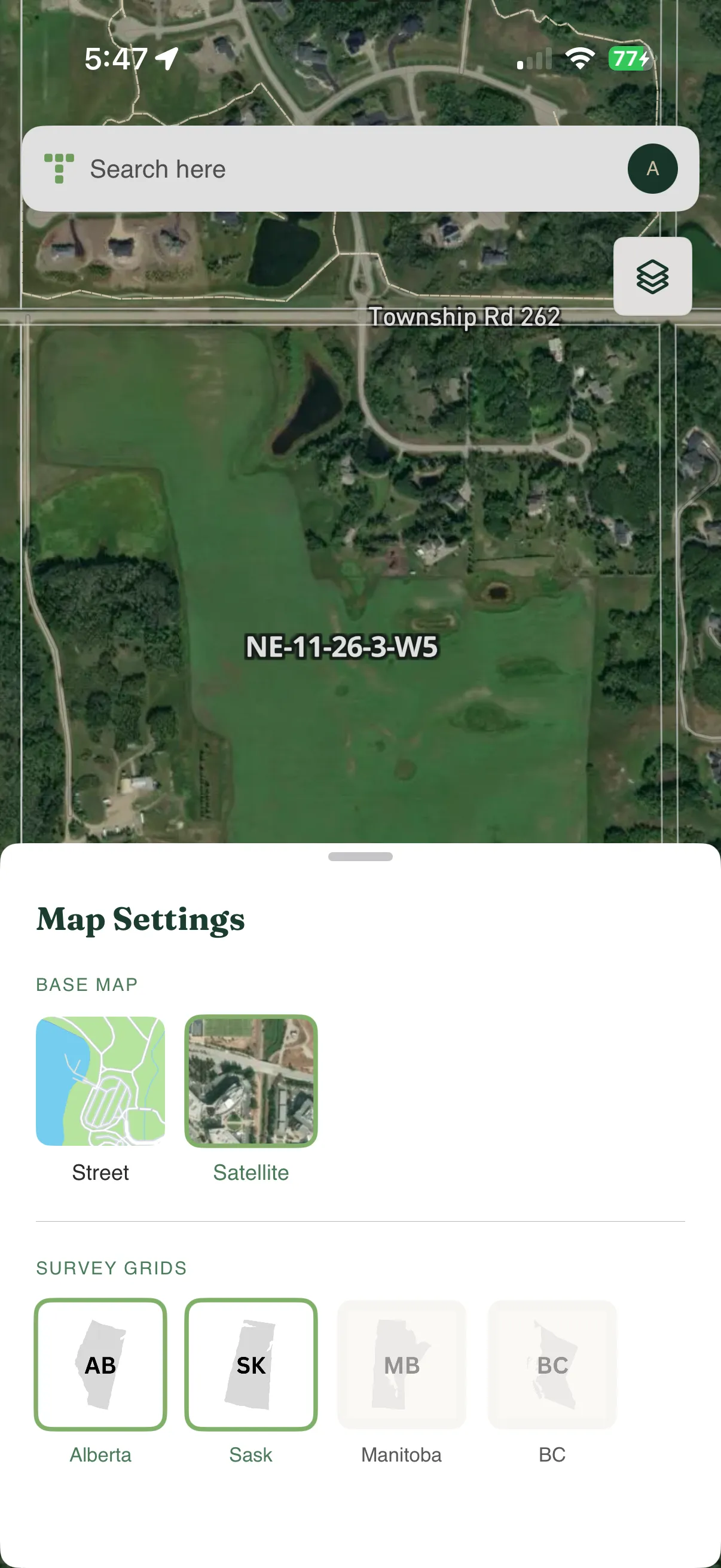
Explore PLSS survey grids on the map along with street maps and satellite imagery. Zoom in and out, pan across the map, and switch between different map layers.
Get directions
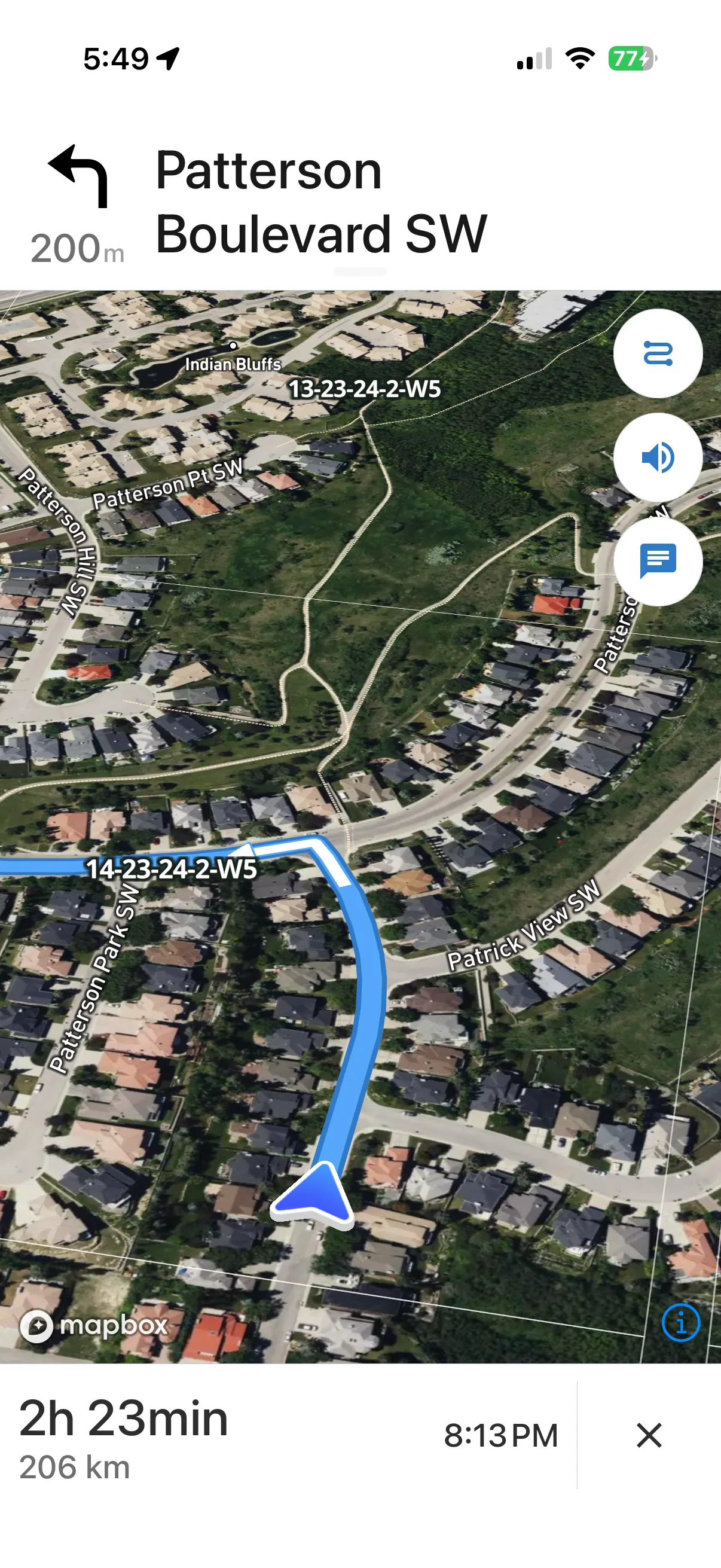
When you find a location you want to visit, tap the Directions button to get turn-by-turn navigation. The app enters navigation mode with:
- Step-by-step instructions on screen
- Voice guidance for hands-free navigation
- Real-time traffic conditions
- Optimal route calculation
The default starting point is your current location, but you can enter a different starting point if needed. Swap the start and destination to recalculate the route in reverse.
Field coverage
For tips on working in areas with limited connectivity, see the PLSS lookup field guide. An active internet connection is required for lookups and map tiles.
Managing your access
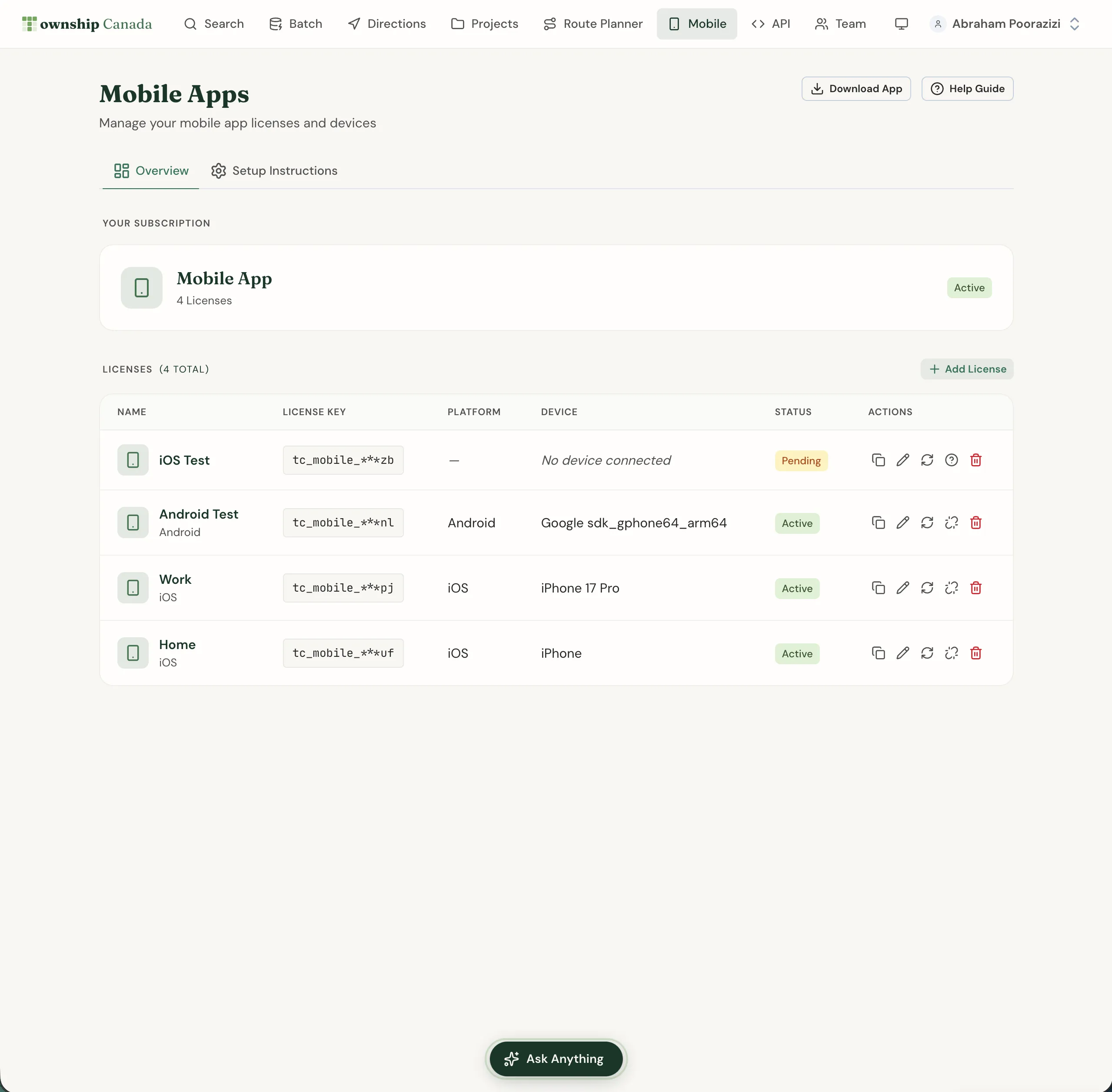
Mobile app access is managed through your Business plan, standalone mobile subscription, or Pro + Mobile bundle. As long as that subscription is active, you have full access to the mobile app.
Troubleshooting
App won't activate
Ensure you're using the same email address associated with your Township America account. Check that your mobile subscription is active on the Mobile page.
Location not found
The mobile app uses the same search capabilities as the web app. If a location isn't found, verify the legal land description format is correct.
Navigation issues
Enable location permissions for the Township America app in your device settings. Ensure you have an active internet connection for real-time traffic and routing.
Related guides
- Search & Convert Locations - Learn more about legal land description formats
- Interactive Maps - Detailed guide to map layers and data overlays
- Get Directions - More about turn-by-turn navigation features
- Account Management - Manage your subscription
Related Guides
AI Assistant - Ask Questions About Legal Land Descriptions
Use Township America's AI Assistant to convert legal land descriptions, get directions, validate formats, and learn about the PLSS (Public Land Survey System) through natural conversation.
Batch Convert Legal Land Descriptions - 5,000+ Records
Convert thousands of legal land descriptions to GPS coordinates and vice versa in seconds. Export to CSV, KML, Shapefile, DXF, or GeoJSON. Perfect for oil & gas, real estate, GIS, and agriculture.
Export to PDF, CSV, KML, Shapefile, GeoJSON, and DXF
Download search results, batch conversions, and saved projects in multiple formats. Compatible with Excel, Google Earth, ArcGIS, QGIS, and CAD software.